Slack App Integration
Integrate Currents with Slack to receive real-time notifications and failure alerts directly in your team's channels.

Notify Team Members and Slack Groups about failures and flaky results
Integrate Currents with Slack to receive real-time notifications and failure alerts directly in your team's channels.
The new Slack App helps teams stay informed about test results without leaving their workflow.
- Threaded run notifications that keep channels organized
- Individual test notifications for failed or flaky tests
- Annotation-based mentions to notify the right people from test code
- UI-configured mention rules to route failures to the right teams
- Flexible filtering by git branch, tags, test title, and file path
- Up to 10 destinations per project with independent configuration
- Available now for all customers
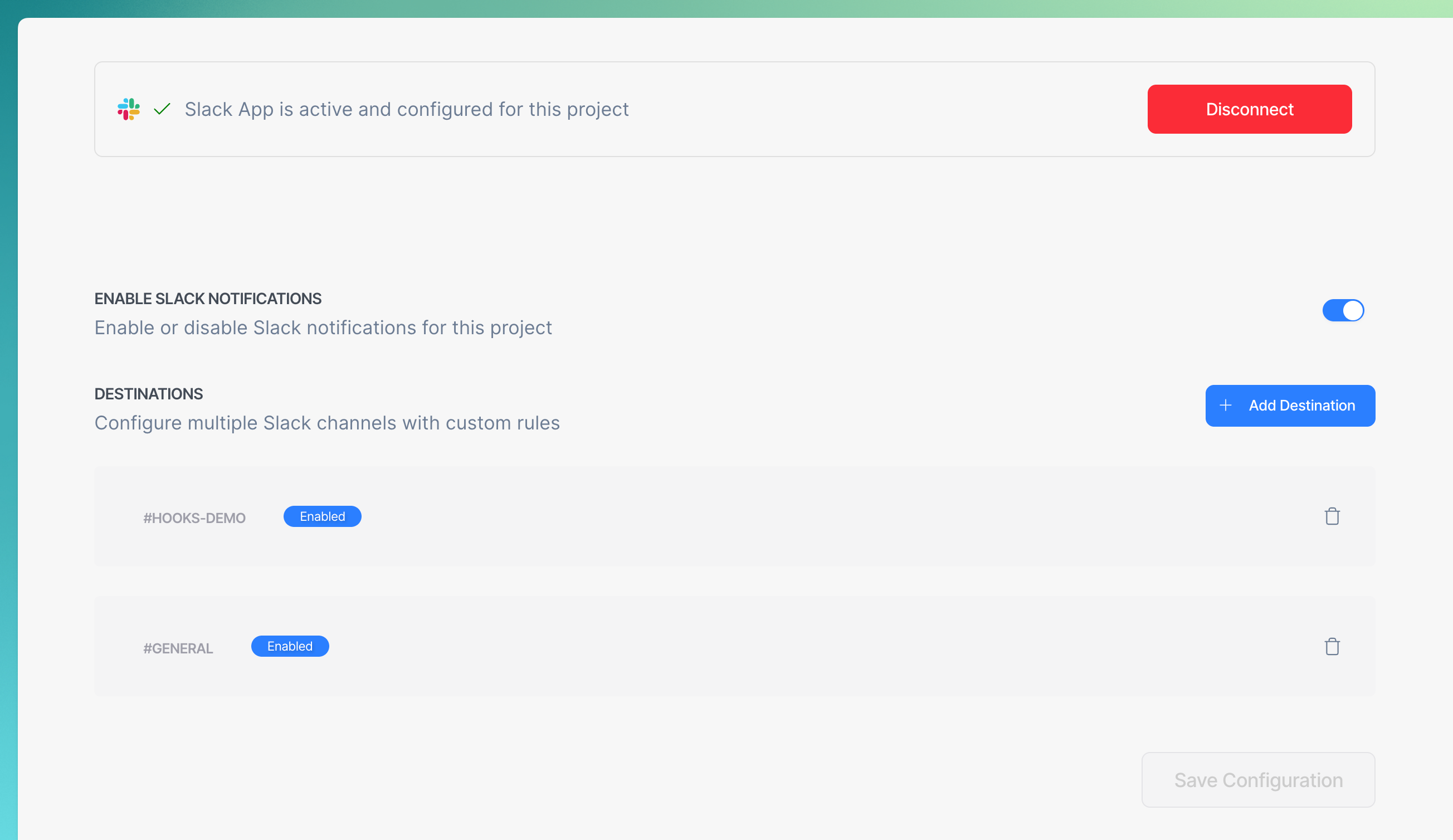
Configure exactly when and how you're notified. Set up run notifications to alert on:
- all runs
- only failures, or
- only flaky tests.
Add individual test notifications to get detailed failure context with error messages and direct links to the Currents dashboard.
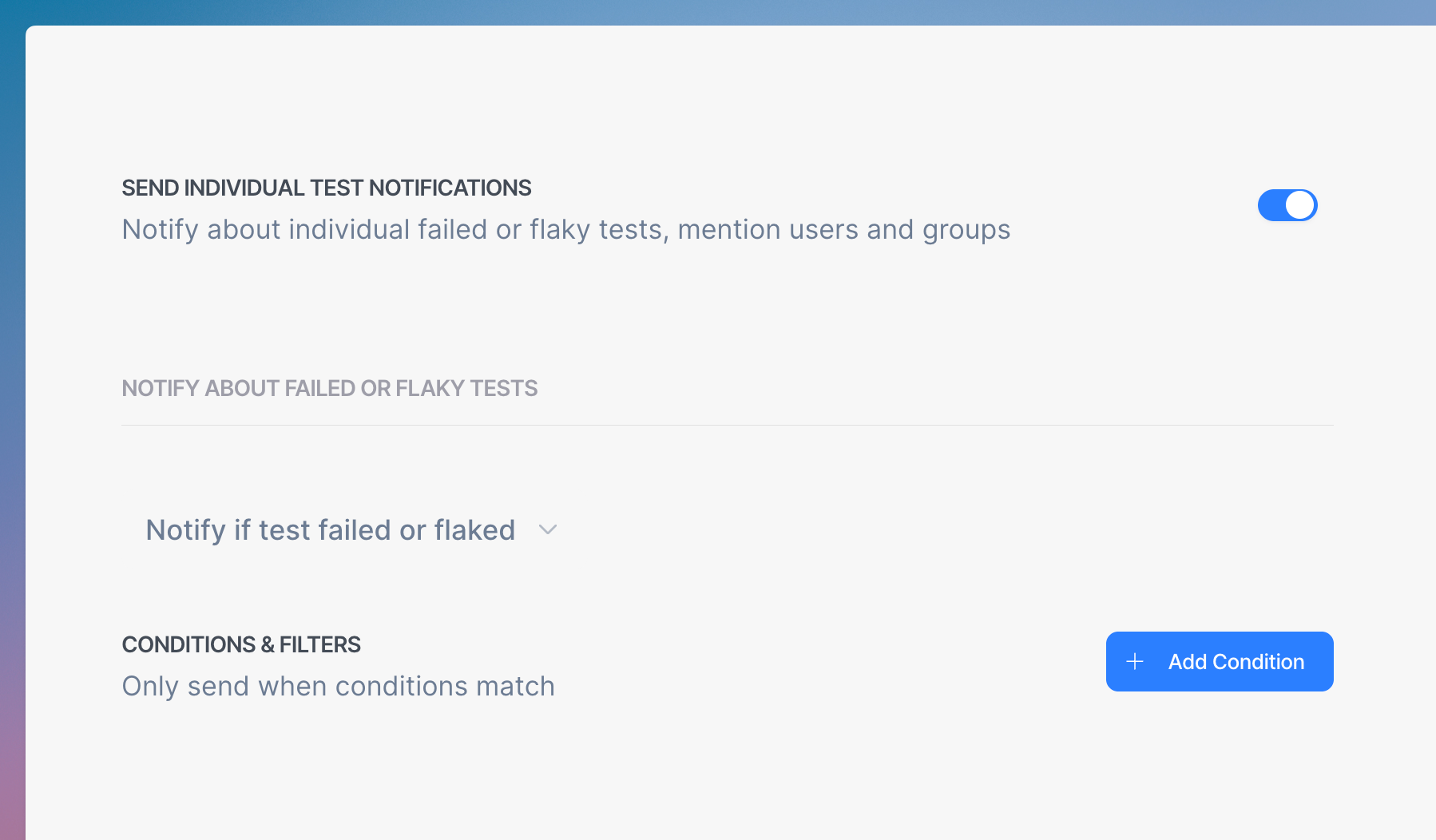
Configure Test or Run Slack notifications
Route failures to the right people or teams using mention rules. Define conditions like test file path or tags, then specify who gets notified—by email, Slack handle, or user group.
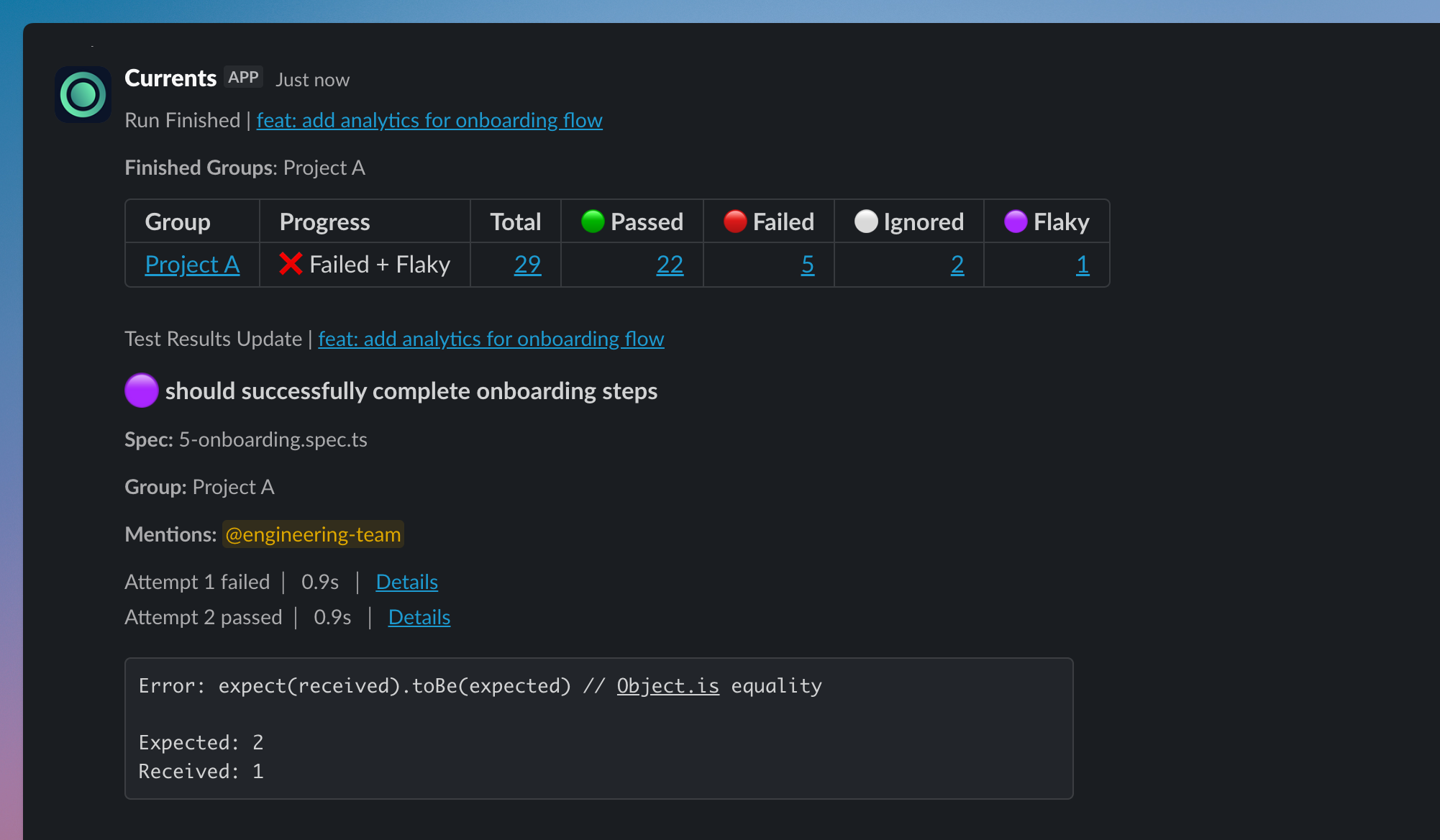
Mention test owners or teams when a test fails
You can also add notify:slack annotations directly in your test code to mention specific users when tests fail.
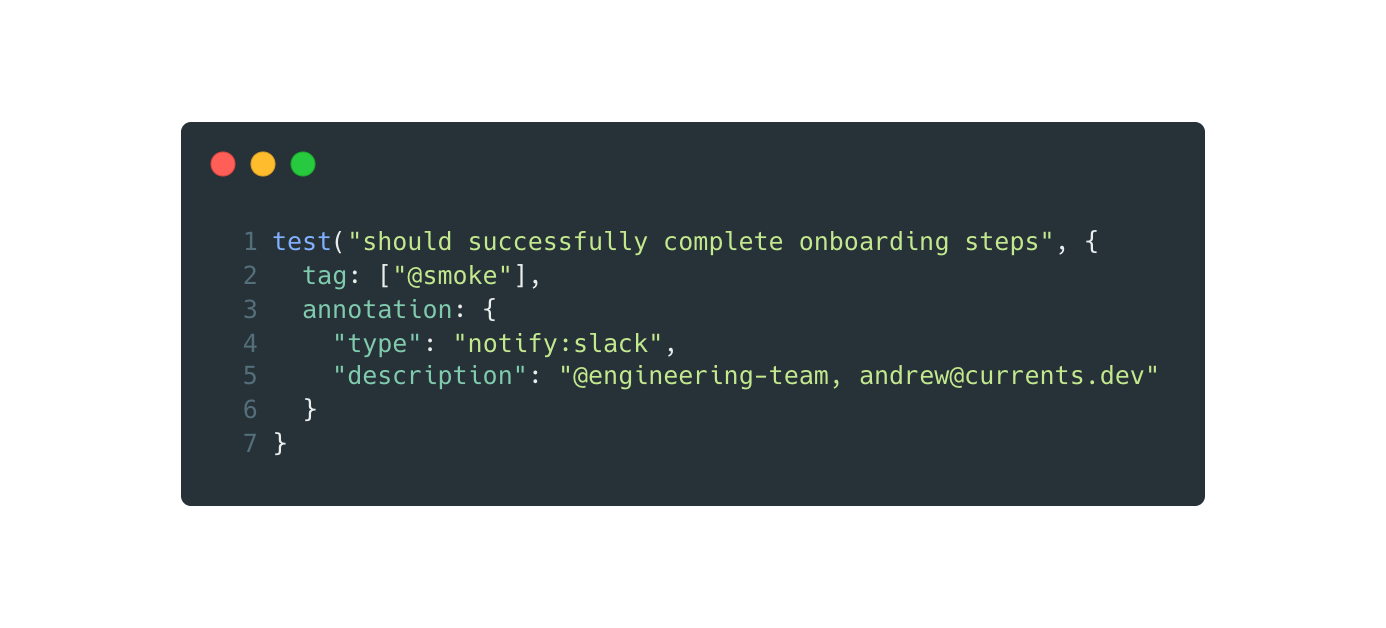
Use Playwright Annotations to configure Slack notifications