Teams now include AI in QA workflows to speed up test planning and execution.
But AI struggles with intent and context. It produces hallucinated assertions, incorrect failure classifications, and shallow interpretations of test results.
Consider a payment flow where AI verifies that the "Transfer" button is clickable and the confirmation page loads. The test passes. But the transfer amount was rounded incorrectly due to a backend bug. The test didn't fail because the assertion was too shallow to catch the real defect.
This is a common failure mode: AI-generated tests that verify surface-level UI state while missing the business logic underneath. It's why many teams lack confidence in AI test results and avoid fully autonomous testing pipelines.
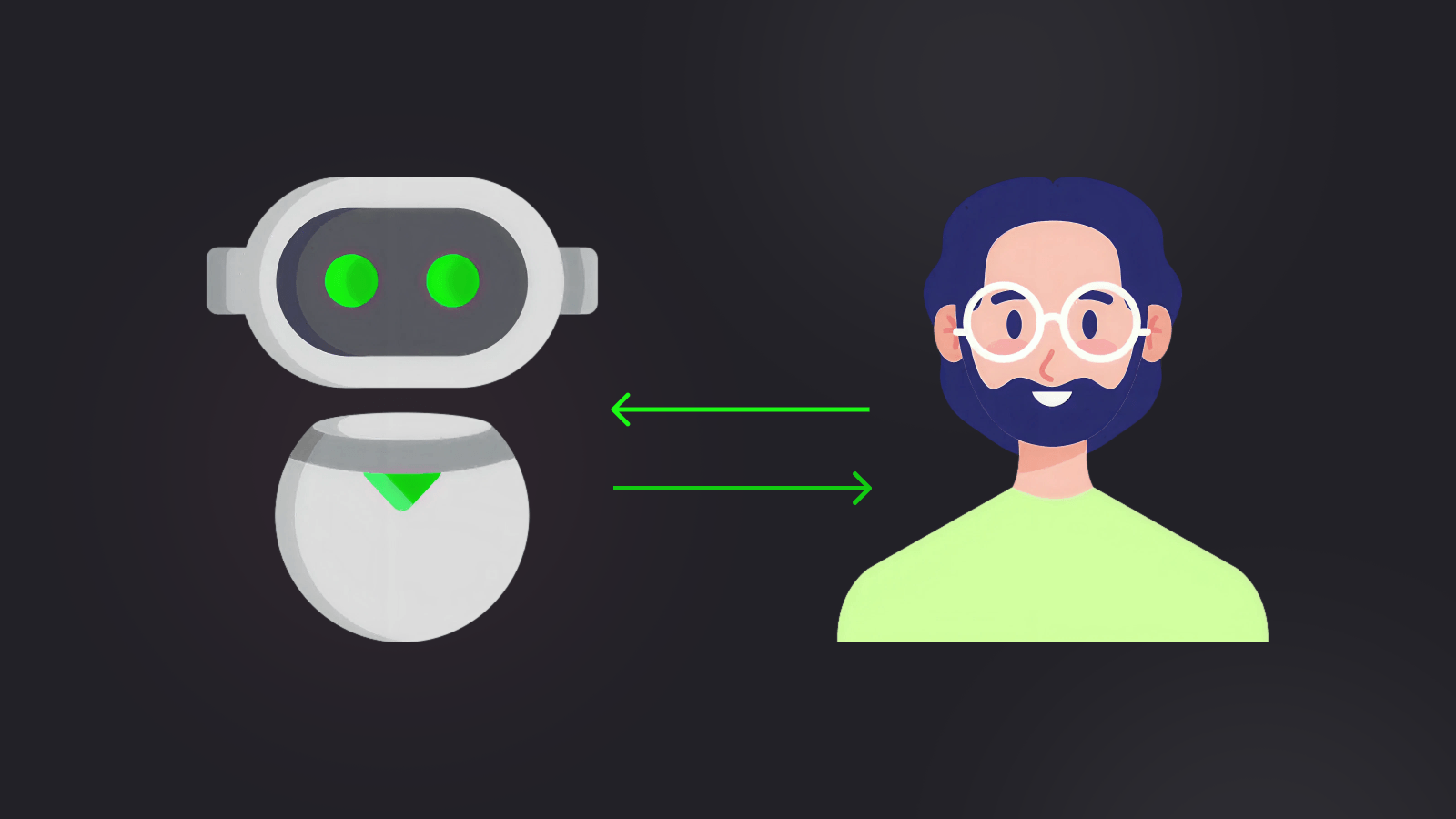
Human-in-the-loop testing (HITL) offers a way forward. AI takes on repetitive tasks: running suites, rerunning failures, surfacing patterns across results. QA teams then decide what those results mean and what to do next.
This article covers what HITL looks like in real QA workflows and outlines best practices for combining AI and human QA without sacrificing trust in test results.
What Human-in-the-Loop Testing Looks Like in Real QA Teams
HITL works as a partnership. AI handles the scale-intensive work: execution, pattern recognition, and clustering. Humans retain responsibility for judgment and intent.
AI can process thousands of test results and surface anomalies, but deciding what those anomalies mean and what to do about them remains a human responsibility. This division holds when AI participation is scoped to tasks where volume, repetition, or cross-run analysis are the bottleneck.
In a Playwright-based workflow, AI might rerun a test suite across browsers and regions, cluster failures, and flag that timeouts occur only in a specific region.
Playwright's own tooling supports this: the Trace Viewer gives humans DOM snapshots, network requests, and a step-by-step timeline for each failure, while the HTML Reporter provides filterable execution results. For visual regressions, Playwright's built-in toHaveScreenshot() captures and diffs screenshots automatically.
AI can flag which diffs are likely meaningful, but a human must decide whether a visual change is intentional or a bug. A human then reviews these artifacts and decides whether the failures indicate a real regression, an environmental issue, or an acceptable risk for release.
AI is typically used where volume and repetition are the problem. It can scan large datasets, existing test logic, and execution patterns at scale to assist with test execution and generate fix suggestions.
Humans, on the other hand, are kept in the loop to own decisions and testing direction. They define what a test is meant to uncover and adjust coverage as product intent or business risk profiles change. QA engineers decide whether a failure points to a product bug, a test issue, or an environmental problem.
A good case for where this boundary matters is in exploratory testing, which depends on curiosity-driven actions and contextual intuition. While testing a payment flow, for example, an engineer might refresh the page or navigate back mid-transaction to see how the system behaves under unexpected conditions.
Agentic testing tools are beginning to explore this space, but reliably generating this kind of creative, context-aware probing remains largely beyond current AI capabilities. These unscripted actions regularly expose real defects that structured test plans miss.
Human-in-the-loop testing keeps execution automated while preserving human judgment and ownership.
This setup fits well in larger organizations where all business directions, history, and regulatory constraints span multiple repositories. It also works for complex products in industries like health care and finance, where parts of that context may be intentionally unavailable to AI systems due to data access rules.
With this division of responsibility in mind, the question becomes: where does AI participation provide the most benefit?
Where AI Testing Tools Add the Most Value
AI test automation tools add the most value in tasks that cause QA fatigue: work that requires consistent focus at scale and is prone to human error when done manually.
Smart Test Selection and Reruns
Speed in test execution comes from infrastructure: parallelization, sharding, and CI resources. The value of smart tooling is in deciding which tests to run. Basic test impact analysis uses static dependency graphs to infer which tests are affected by a code change, but this is traditional static analysis rather than AI.
AI goes further by using ML models trained on historical failure data, code change patterns, and execution history to predict which tests are most likely to fail. For example, an AI model could learn that changes to authentication modules correlate with failures in both login tests and session-handling tests. It would prioritize both, even when static analysis only flags the login tests.
Failure Clustering
In large test runs, it is possible to spot hundreds of failures that trace back to a smaller set of root causes. Using signals such as stack trace similarity, DOM snapshot diffs, or recurring network error patterns, AI can scan logs, traces, and error messages to cluster similar failures.
This helps teams avoid repeatedly triaging the same failure.
Playwright's expect.soft() fits well here. Soft assertions let a test continue after a failure and collect multiple issues in a single run. This gives AI more signal to cluster on and gives humans a complete picture of each test's state, not just the first failure.
Identifying Flaky Tests
Playwright already has built-in flaky detection: when retries are enabled, any test that fails on the first run but passes on retry is categorized as "flaky" in the test report.
AI adds value on top of this baseline by analyzing patterns across many runs and code versions, correlating flakiness with specific environments, time windows, or dependency changes to surface root causes that simple pass/fail toggling cannot reveal.
Currents' flaky test detection tracks these patterns across your full run history and helps teams prioritize which flaky tests to fix first based on failure frequency and impact.
Trend and Regression Detection Over Time
AI can spot slow-moving trends that humans miss because they require comparing historical test results across many runs. It can surface gradual performance degradation, increasing failure rates, and shifting pass/fail distributions. This helps teams catch problems that don't immediately break tests but signal early-stage regressions.
Tools like Currents make this possible by storing run history and surfacing test-level trends over time, so AI-driven analysis has the historical data it needs to detect drift.
Suggesting Test Improvements
AI can act as a peer reviewer to flag anti-patterns within tests. Playwright already handles many common issues by design. Its locators and web-first assertions auto-wait for elements, making explicit sleeps unnecessary.
But AI can catch subtler problems: tests that use manual assertions (expect(await el.isVisible()).toBe(true)) instead of auto-retrying ones (await expect(el).toBeVisible()), brittle CSS selectors that should be role-based locators, or missing await statements that cause silent failures.
Execution-Level Documentation
AI also generates summaries of what occurred during test executions. It could note data such as which suites passed or failed and changes in subsequent test behavior.
These AI use cases reduce manual effort and speed up feedback. They operate at the execution and analysis levels, not at the level of intent or risk ownership. Because of that, they are generally safe to adopt incrementally and can be kept under human review whenever needed.
Where Human QA Must Stay in Control of Test Cases
Human QA defines expected outcomes and judges whether results align with business priorities. The table below summarizes the split. "AI Executes" means AI does the heavy lifting. "Human Reviews" means the output needs validation. "Human Owns" means the decision rests with engineers.
| QA Activity | AI Executes | Human Reviews | Human Owns |
|---|---|---|---|
| Test execution and reruns | ✓ | ||
| Expanding existing test scenarios | ✓ | ✓ | |
| Failure clustering and log grouping | ✓ | ✓ | |
| Identifying flaky test patterns | ✓ | ✓ | |
| Defining test intent and coverage priorities | ✓ | ||
| Deciding release-critical focus areas | ✓ | ||
| Triaging bugs vs flaky tests vs environment issues | ✓ | ||
| Interpreting test results in business context | ✓ | ||
| Approving or rejecting AI-suggested fixes | ✓ | ||
| Assessing accessibility usability and semantics | ✓ | ✓ | ✓ |
| Owning final quality and release decisions | ✓ |
Defining Test Intent and Strategic Coverage
Deciding what to test and how much effort to spend on it is a human decision. AI can generate a large number of tests to cover many paths, but test coverage without intent often leads to wasted effort.
This intent is often captured through risk-based testing approaches, where test coverage is focused on critical systems that could cause the most business damage if they fail.
For example, during a specific release, a team may set a 100% pass-rate quality gate for the payment engine while allowing more flexibility for non-critical features.
Triaging Between Product Bugs, Flaky Tests, and Environment Issues
Certain inconsistent results can be mistaken for product bugs or flaky tests, since AI typically evaluates signals in isolation and lacks the broader system context needed to correlate them correctly.
For example, an AI system may repeatedly click a button and record a pass when the server is healthy, but fail when there is a server-side issue caused by memory or compute exhaustion. This could easily be misclassified as a flaky test, while human judgment would provide the root cause analysis (RCA) needed to identify the underlying infrastructure bottleneck.
Deciding Release Readiness Under Uncertainty
After AI reports test results, the meaning and the next steps should be left to engineers. AI cannot decide whether a release is acceptable when the test results are incomplete or conflicting.
Humans have to weigh other external factors, including user impacts and rollback plans. Managing the final Go/No-Go decision at the release gate involves accepting risk and accountability, which in practice are delegated to human QA.
Reviewing AI-Suggested Fixes
AI can suggest changes that make tests pass, but passing tests does not always mean correct behavior. For instance, an AI tool might suggest moving or modifying a UI interaction because a button is not responding.
The underlying problem could be a layout or rendering bug that should be caught rather than worked around. A peer review / pull request workflow is necessary to determine whether a suggestion is a real fix or merely hides a regression.
Accessibility and Semantic Meaning
AI can check for basic accessibility rules, such as whether an image has an alt tag. Tools like @axe-core/playwright automate WCAG violation scanning, and AI can drive these checks at scale. But neither can reliably judge whether alt text is meaningful or whether the overall experience makes sense for assistive technologies.
Engineers must conduct manual semantic audits to answer questions like "Does the screen reader flow make sense?" or "Is the navigation usable without a mouse?"
With these boundaries defined, the next section covers practical guidelines for combining AI and human QA.
Best Practices for Combining AI and Human QA
These practices help teams adopt AI-assisted testing without losing control of quality.
Start With Assistive AI, Not Autonomous AI
Teams that jump straight to full automation usually regret it. Start with AI as a co-pilot: let it help write tests faster or identify patterns in logs and test history, but don't let it decide what to test or what should run.
Playwright's own codegen tool is a good example of this approach. It records user interactions and generates test code that engineers can then refine with proper assertions, locators, and test structure.
Engineers must remain at the center of test planning and intent definition. AI operates only on the information it is given, which is often incomplete. It cannot account for external factors like upcoming regulatory deadlines or planned maintenance windows.
Use AI to generate test boilerplates and scaffolding, and let your engineers write the assertions and define test intent.
Prefer Detection Over Auto-Correction
While it sounds convenient to allow AI to auto-heal failing tests, it can quickly become risky when failures are fixed by hiding real bugs or masking layout issues. Use AI as a detection and notification tool first.
One pattern for building trust gradually is to run AI-suggested fixes in a non-production branch and log every change for review, rather than applying them directly.
For example, if a CSS change makes a "Submit" button invisible, the AI can propose a locator update in a draft pull request with a clear diff, and a human reviews whether the fix addresses the real issue or masks a layout regression. As confidence grows, teams can allow auto-generated PRs for low-risk fixes (like locator updates) while keeping human review mandatory for assertion or logic changes.
Always evaluate suggested fixes against product intent and runtime behavior before applying them. When AI suggests a fix for flakiness, cross-reference it against execution logs from the past 30 days to confirm the change addresses a real root cause rather than a transient environment issue.
Keep a Human Override at Every Decision Point
AI-driven actions should be subject to review and safety overrides. Keep humans at critical points to monitor reruns, suggested fixes, or automated failure classifications before they are applied.
For example, engineers should verify that test-creation logic is sound before adding generated tests to the main suite. Or implement kill switches to pause auto-classifications if the AI labels an unusually high percentage of a single run, such as 40 percent, as an environment issue.
Make All AI Actions Visible and Auditable
If you don't know why an AI flagged a specific test or how the test behaved during execution, it becomes risky to trust the results. Visibility into AI actions and workflow has to be nonnegotiable.
Currents provides this by centralizing test history, execution artifacts, and failure classifications in a single dashboard. Teams can trace any test back through its run history, compare behavior across branches and environments, and use the Currents MCP server to give AI agents structured access to CI results for triage and debugging.
When an AI adjusts a test to accommodate a modified API response, this kind of visibility layer surfaces the change in context, making it easier to detect unintended drift.
Measure Success by Reliability, Not Just Speed
AI can generate hundreds of tests quickly. Speed alone is not a useful success metric.
Track the correctness and usefulness of outputs. If a third of 300 generated tests are inaccurate or obscure real failures, you've created more work than you've saved. Measure defect escape rate, false classification rate, and mean time to triage alongside test count and execution time.
Validate AI-Generated Tests Against Framework Best Practices
AI-generated Playwright tests frequently violate the framework's own best practices. Common issues include using CSS selectors or XPaths instead of role-based locators (page.getByRole('button', { name: 'Submit' })), using manual assertions that don't auto-retry (expect(await el.isVisible()).toBe(true) instead of await expect(el).toBeVisible()), and adding explicit waitForTimeout() calls where Playwright's built-in auto-waiting would suffice.
Treat AI-generated tests the same way you'd treat code from a junior engineer: review them against your team's standards before merging. Linting with @typescript-eslint/no-floating-promises catches missing await statements, one of the most common AI-generated bugs.
Design for Pipeline Throughput, Not Just Correctness
Every human decision point is a potential bottleneck. If every AI-generated PR or failure classification waits for manual review, your pipeline stalls. Use risk-tiered gating: auto-approve low-risk changes (e.g., locator updates that pass on retry), require human review for high-risk ones (e.g., assertion logic changes or new test additions).
Set SLA-based escalation so that if a review isn't completed within a defined window, it gets auto-escalated or the pipeline continues with a risk flag. Async review patterns let AI run and humans review later without blocking the feedback loop.
Account for AI Tool Versioning and Determinism
When AI tools are part of your testing pipeline, their behavior can change with model updates. A failure classification that was correct last week may shift after a provider updates their model.
Pin AI tool versions where possible, and track changes in classification accuracy over time. If your pipeline depends on AI triage or auto-healing, treat model updates the same way you treat dependency upgrades: test in staging before rolling out to production CI.
Human-in-the-Loop Is the Stable Path Forward
HITL is not a temporary compromise. It's the architecture that makes AI-assisted testing trustworthy. Teams move faster when they trust their results, and trust comes from keeping humans in control of judgment while letting AI handle the heavy lifting.
Let AI enhance QA, not replace it. Start small, introduce AI at the lowest-risk point in your testing workflow, and expand as confidence grows.